Figma Plugins
Tools
-
Typescript
“If the tool doesn’t do what you need, build the tool you wish you had.”
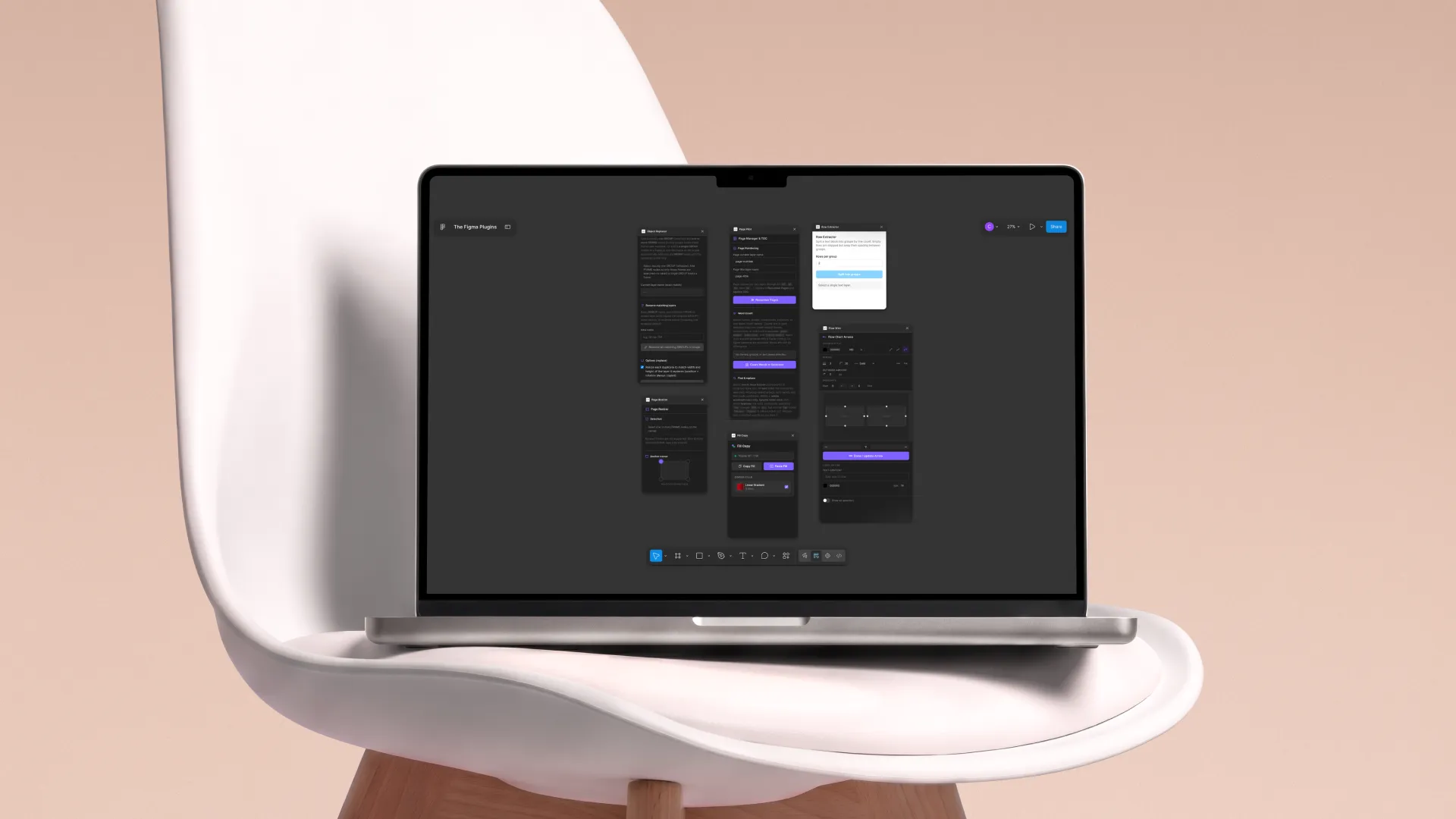
I have always loved working with Figma. Although it is primarily known as a tool for UX and UI design, I have found myself using it for much more than just designing interfaces. Over time, Figma has become one of my go-to creative tools for almost anything visual or digital. I use it for photo editing, creating presentations, writing and structuring content, experimenting with ideas, making prototypes, and even organizing information. The flexibility of Figma is one of the things I enjoy most about it. It gives me a huge creative playground where design, content, and technology can come together in one place. However, that flexibility also comes with some limitations. There are many things I would like to do in Figma that the software was simply not built to handle. Instead of working around these limitations, I started using my technical skills to extend Figma myself. By creating my own plugins, I can add functionality that fits the way I work and turn some of my ideas into actual tools. Figma plugins are built using TypeScript and can be added to your own Figma projects after going through Figma's testing and publishing process. Below are some of the plugins I created. Each one started with a small frustration, an idea, or simply something I wished Figma could do, and became an opportunity to combine my design skills with my development knowledge.
Project information
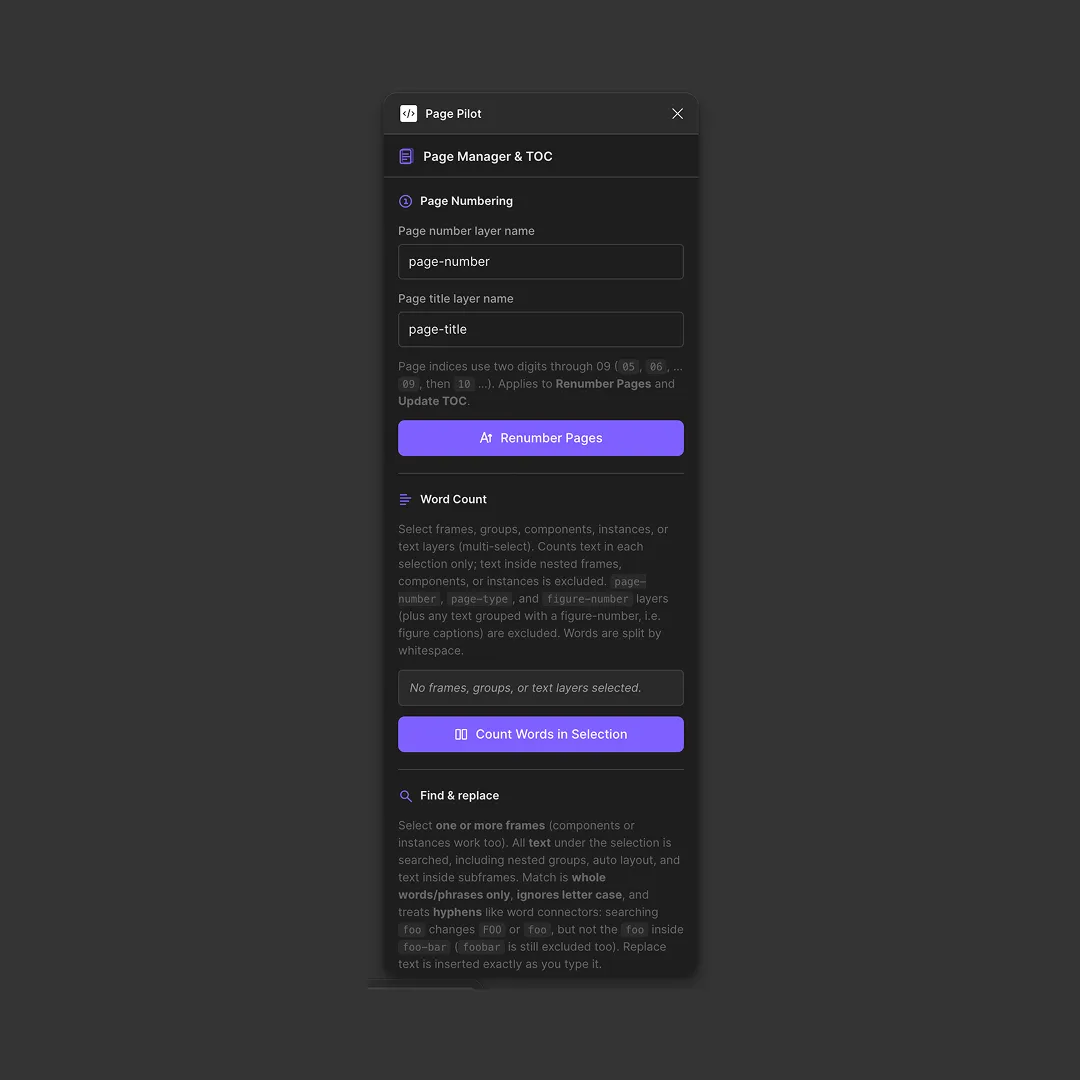
Page Pilot
Page Pilot is a collection of small tools I created to make working with long-form content in Figma a lot easier. While Figma is great for designing layouts, it is not necessarily built around the practical needs of writing and editing larger documents. The plugin adds a number of functions that help bridge that gap. It can automatically number pages, count the words within selected frames, and find and replace specific words or phrases across a selection. It also includes smaller quality-of-life features, such as hiding and showing frame names when they get in the way of the canvas. I originally built Page Pilot because I kept running into these little frustrations myself. It became especially useful while writing my thesis, where I was using Figma not just to design the final document, but also to write, structure, and continuously edit its content. Instead of constantly working around Figma's limitations, I could build the functionality I needed directly into the tool I was already using.
Narrative Layout
Narrative Layout was created to solve a very specific but incredibly time-consuming problem: turning raw transcriptions into properly formatted content inside Figma. For one of my projects, I used a transcription tool to automatically convert recordings into simple text files. The problem was that these outputs were just raw text. To actually use them in my Figma designs, I would normally have to copy, paste, structure, and format everything manually. With a lot of interviews and long conversations, this could quickly become hours, or even days, of repetitive work. So I built Narrative Layout. I could create a template page in Figma that defined exactly how I wanted a transcription to look, select that template, select the text file directly inside Figma, and let the plugin do the rest. It automatically transformed the raw transcription into the structured Figma layout I needed. What started as a small automation ended up saving me literal days of manual typing and formatting. More importantly, it meant I could spend that time actually working with the information instead of simply moving text around.
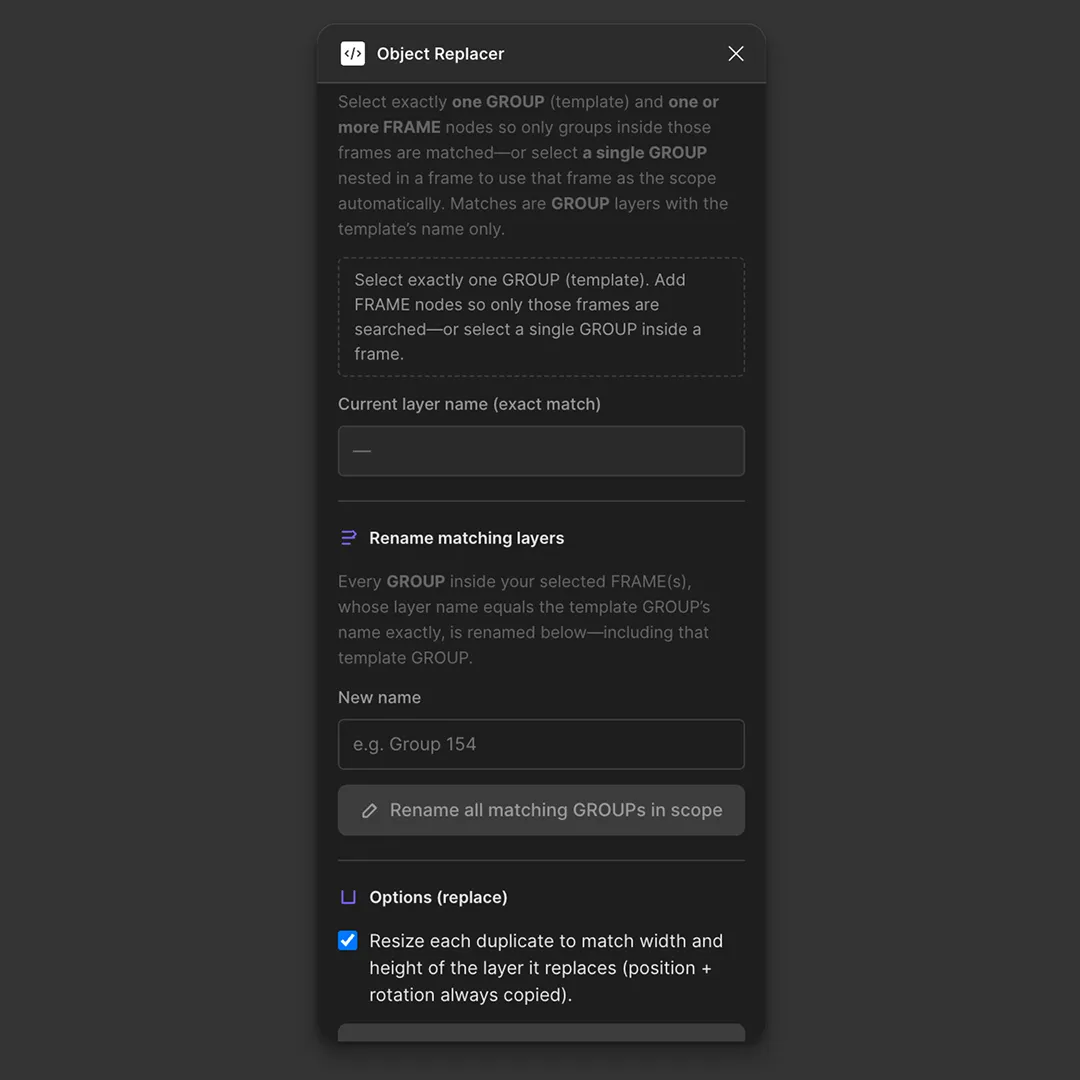
Object Replacer
Object Replacer is a plugin I created to quickly update repeated objects throughout a Figma project. When working on different sequences or variations, I often had multiple frames, buttons, components, or other objects that shared the same name. Whenever I needed to change something across those objects, doing it manually became incredibly time-consuming. With Object Replacer, I could select an object and easily find other objects with the same name, then replace or update them all at once. This made it much easier to keep different sequences consistent without having to search through the entire Figma file and make every change by hand. It is a fairly simple idea, but it solved one of those repetitive problems that can quietly eat up hours of design work. Instead of repeatedly making the same change, I could let the plugin handle it in just a few clicks.
Row Extractor
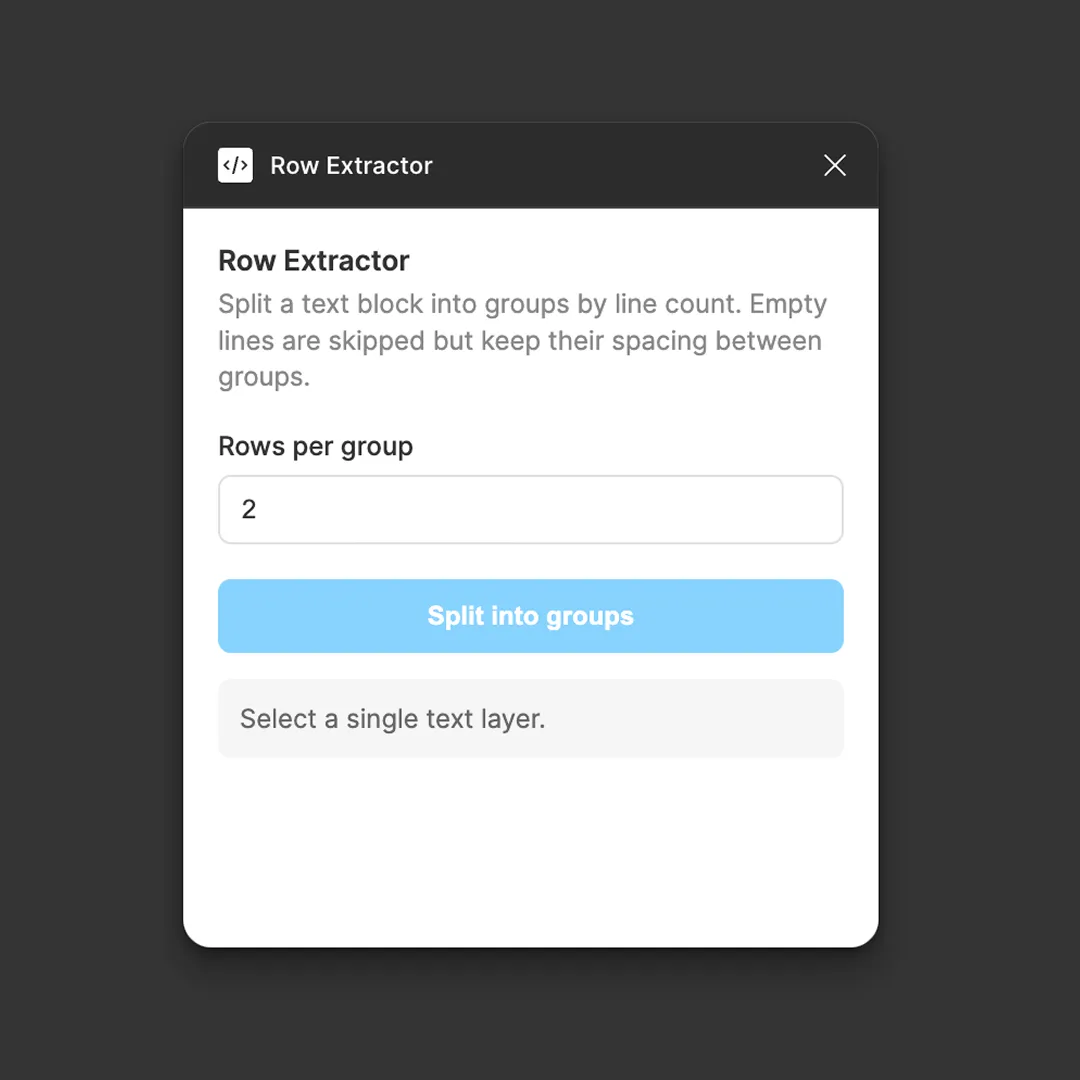
I created this tool for a friend who was just starting to use Figma. He was creating text fields and writing entire stories in them. After a while, he asked me how he could change the spacing between certain lines. He could use line spacing, but that would affect all the lines instead of just the groups he had created. By that point, he was already around 40 frames into his project, so manually fixing everything would have taken a lot of time. With a little TypeScript, I created Row Extractor. You select the number of lines you want to turn into separate elements, and with the press of a button, it creates new text field items for each row. Visually, nothing changes, but in the layer menu, all the rows are split into separate text fields. This makes it possible to adjust individual rows without having to rebuild the original text.
Fill Copy
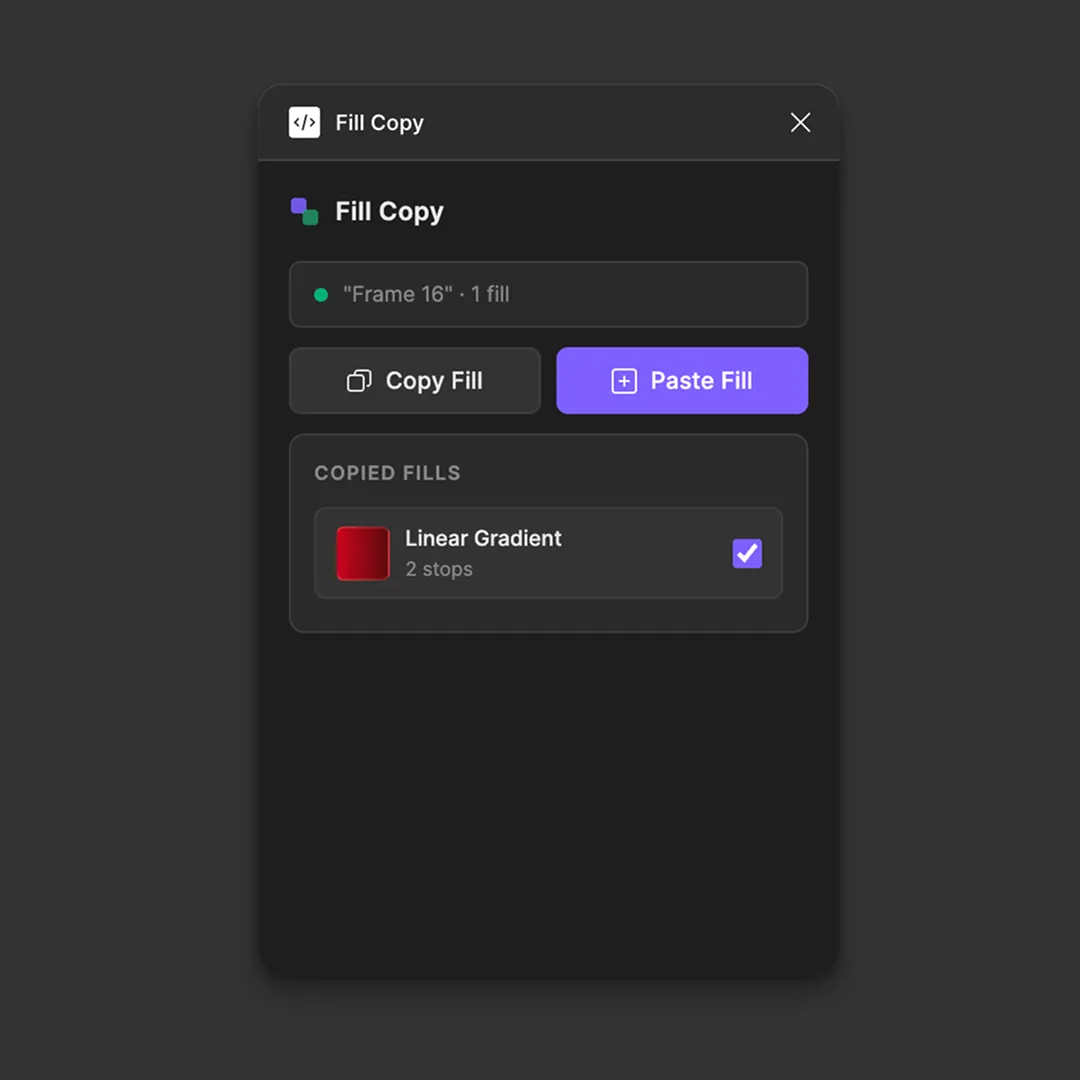
Fill Copy is a plugin I created during my thesis period, when one of my friends was designing a lot of in-depth objects in Figma using very layered gradients. In Figma, you can easily copy the hex color of an object and paste it onto another object, but this isn’t possible with gradients. Fill Copy solves this by allowing you to copy all fill types and their values from an object. You can then select one or multiple objects and paste those fills onto them, making it much easier to reuse complex gradient setups without having to recreate them manually.
Flow Wire
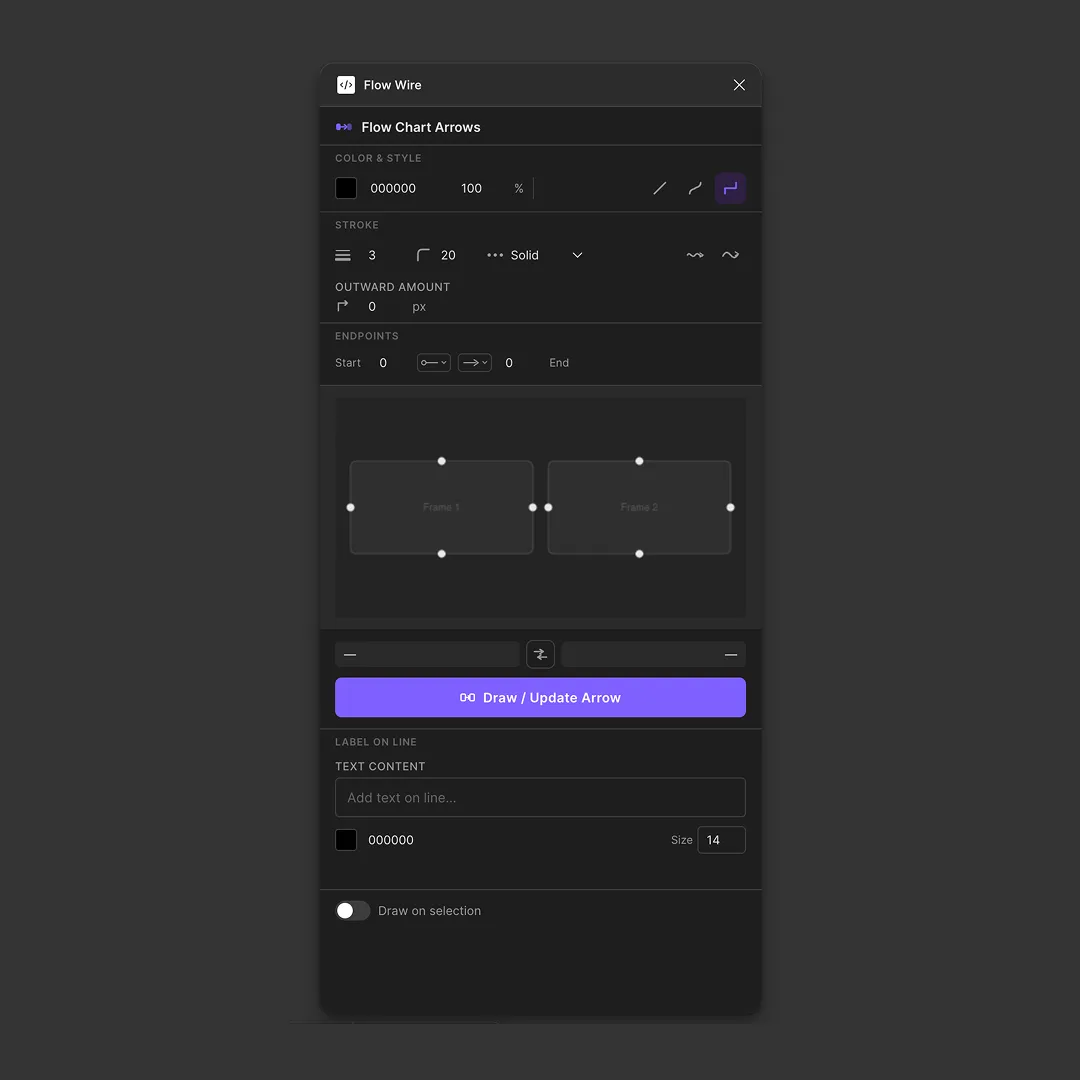
Flow Wire is a plugin I created to make building flowcharts in Figma quicker and easier. When creating flowcharts, connecting different shapes with lines can become a repetitive process, especially when there are a lot of steps or branches to connect. With Flow Wire, you can select shapes and quickly create lines between them, making it easier to build and adjust a flowchart without manually drawing and positioning every connection. The plugin is designed to take care of the repetitive parts, so you can focus more on structuring the flow itself. It is a simple tool, but it makes creating larger flowcharts much faster and keeps the connections between elements consistent.
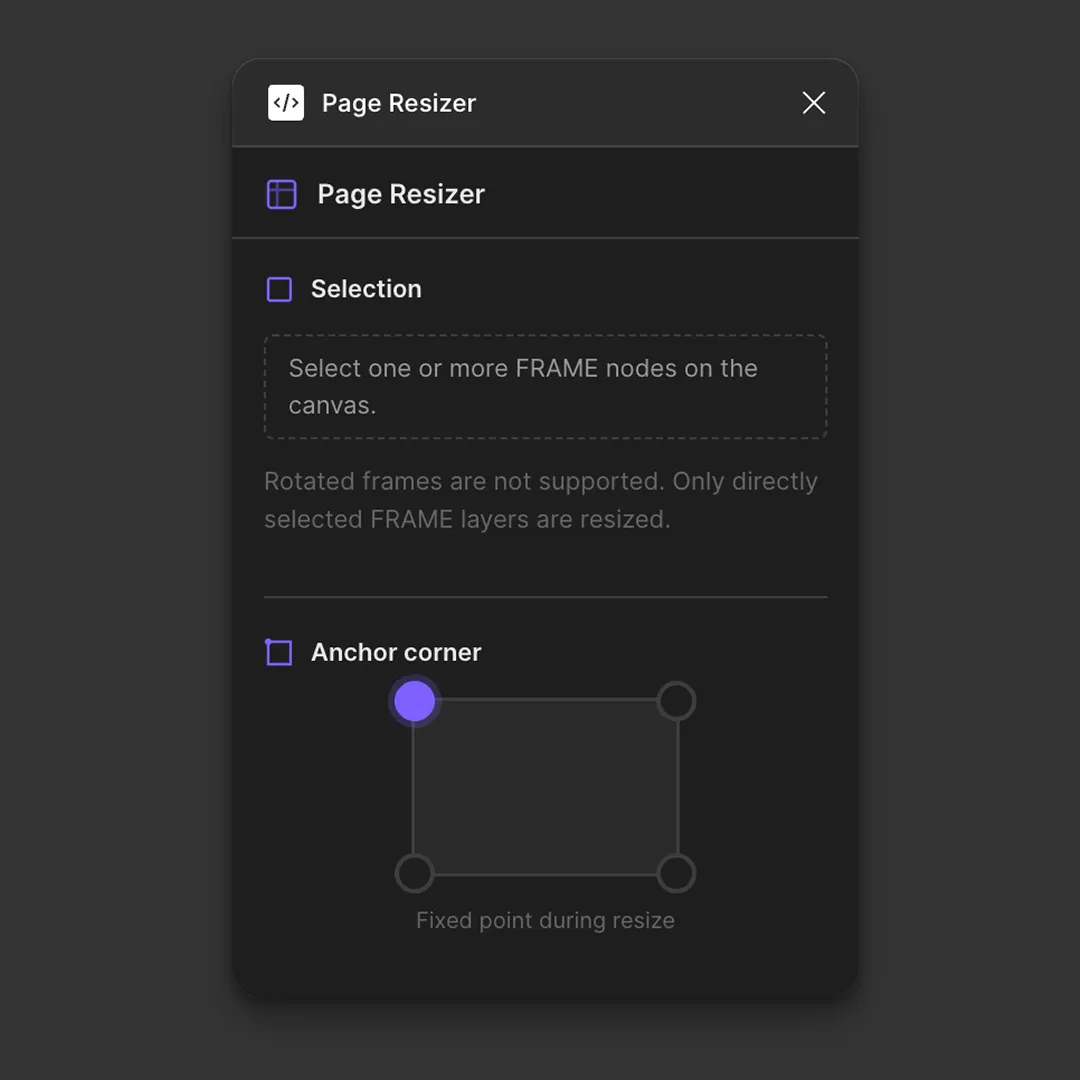
Page Resizer
Page Resizer is a plugin I created to make resizing frames in Figma easier. Normally, when you resize a frame, the elements inside it don’t always scale with it correctly. This can mean manually repositioning and resizing everything to keep the layout intact. With Page Resizer, you can resize a frame together with all of its contents. The elements scale and stay in proportion to the frame, making it much easier to adapt designs to different sizes without having to adjust everything by hand. It is a simple tool, but it saves a lot of time when working with layouts that need to be resized or adapted to different dimensions.